Contracts from Notion

Export contracts, agreements, and notices from Notion to PDF

Print Notion helps teams turn contract templates and legal documents in Notion into cleaner PDFs with a browser-based workflow and better template reuse.

  • Useful for contracts, agreements, notices, and client-facing legal PDFs
  • No upload required for the core browser workflow
  • Reuse structured templates when the same contract format repeats
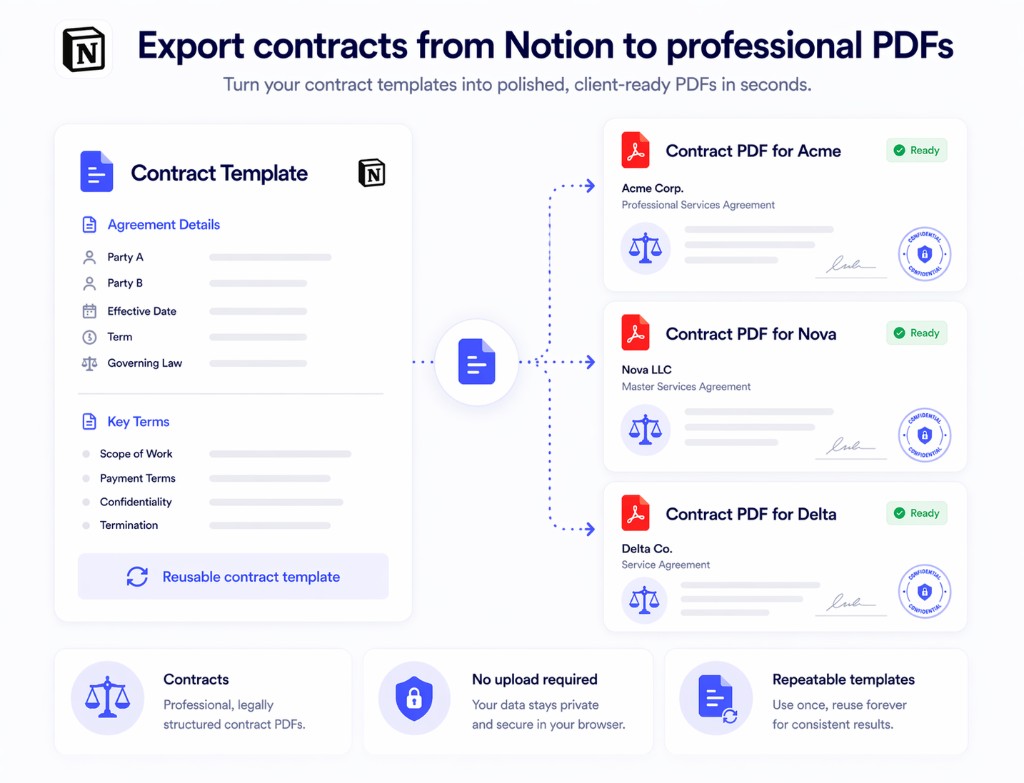
Contract draft in Notion exported to a clean contract PDF with Print Notion
Contract-ready PDF export
No upload required
Template reuse for repeated documents
Chrome + Edge support

Why contract PDF export needs a better workflow

Legal and contract documents care about structure, repeatability, and controlled handling more than generic export convenience.

Contracts depend on structure

Section order, headings, clauses, and layout need to stay readable when the PDF is shared or reviewed.

Sensitive documents need a controlled path

Contracts and notices are not the right fit for an upload-first converter.

Approved templates get reused

Once a contract structure is approved, teams want to reuse it without rebuilding every file.

How to export contract PDFs from Notion

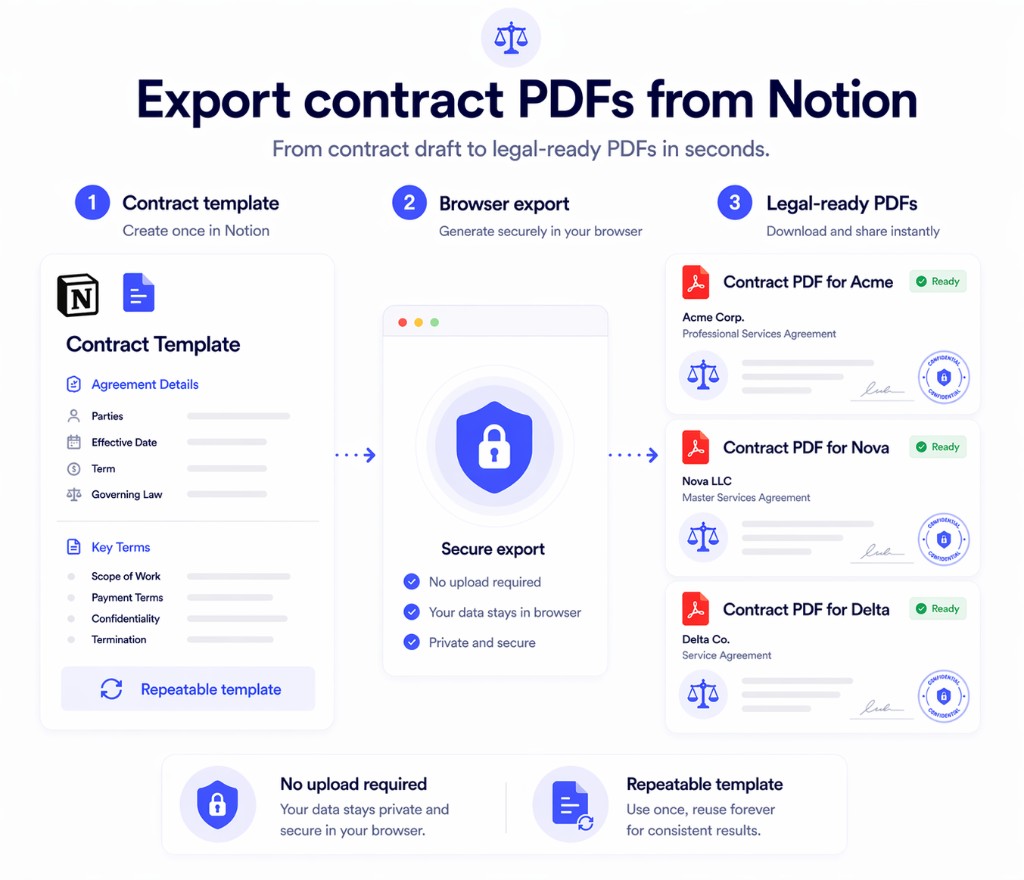
Keep the working document in Notion, then export a final PDF when the contract or notice is ready.

1
Maintain the contract template in Notion

Use Notion as the working source for agreements, notices, policies, and related document types.

2
Reuse the same structure across records

Apply the same legal or operations template when terms, names, or dates change between documents.

3
Export the final contract PDF

Generate the final PDF for review, delivery, or archive without moving into a generic upload-first tool.

Contract draft in Notion exported through the browser to a clean contract PDF

Why Print Notion fits contract PDF export

The product is useful when contract output needs cleaner formatting and a more controlled export path.

Better fit for structured legal documents

Export contracts and notices that preserve more of the layout already reviewed in Notion.

No upload-first workflow

Keep contract PDFs in a browser-based export path instead of starting with a third-party upload.

Reusable contract templates

Reuse one approved Notion template across repeated agreements and notices.

Print Notion vs generic contract PDF export tools

The difference is most obvious when structure and control matter more than raw convenience.

Capability
Print Notion
Manual export or generic online converter
Contract template reuse
Stronger fit for repeated document structures
More manual recreation and cleanup
No upload required
Yes
Often no
Document handling
Browser-based export from Notion
More fragmented or external workflows
Final PDF quality
Cleaner output for reviewed documents
More post-export fixes

Common questions

These are the questions teams usually ask before trying this workflow in Print Notion.

Yes. Teams use Print Notion to export contracts, agreements, notices, and related structured documents from Notion to PDF.
No. The core contract PDF export workflow runs in the browser with no upload required.
Yes. Print Notion works well when the same contract structure repeats and only a few fields change.
Yes. Print Notion works in both Chrome and Microsoft Edge.
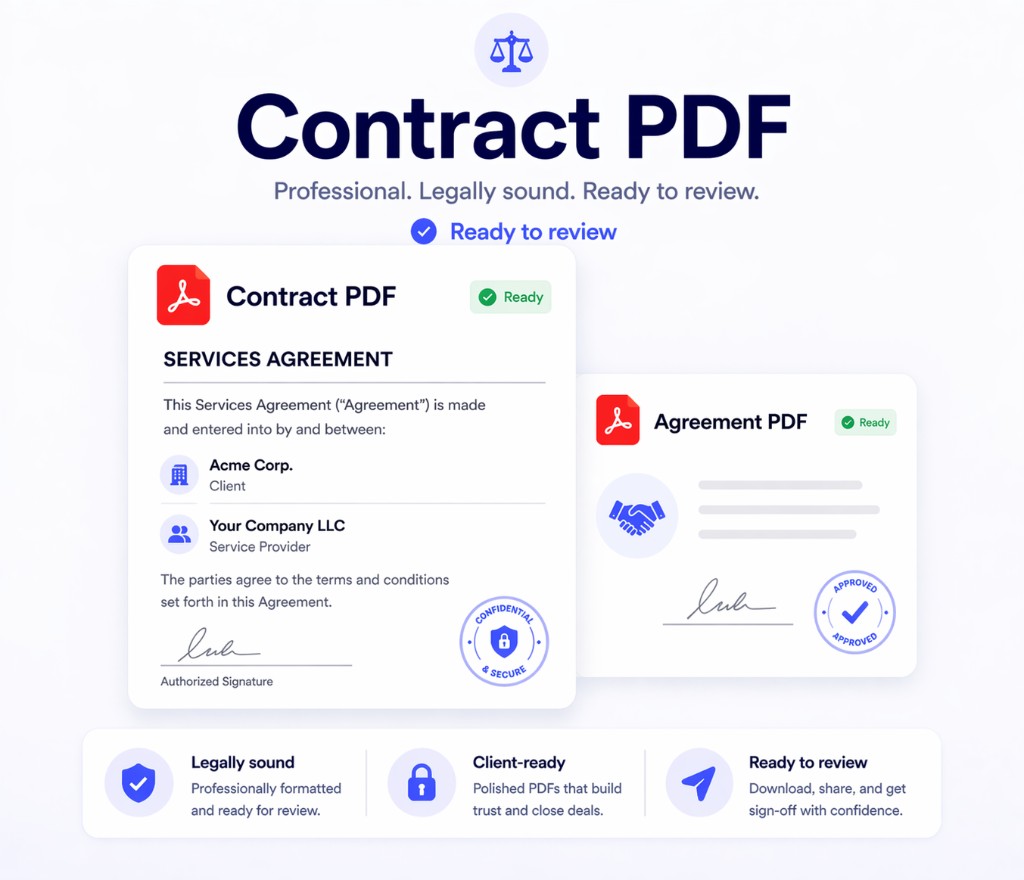
Contract PDF exported from Notion and ready to review with Print Notion

Use Print Notion for contract PDFs from Notion

Install the extension and test it on one of your existing agreement or notice templates to see whether the PDF output fits your workflow.