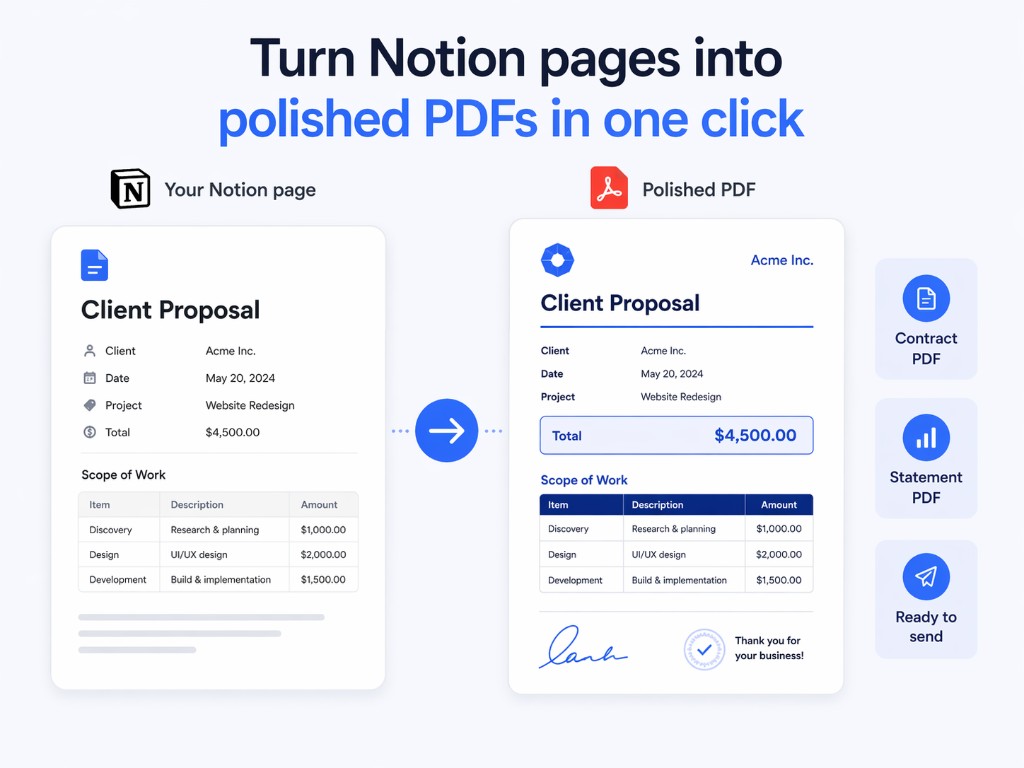
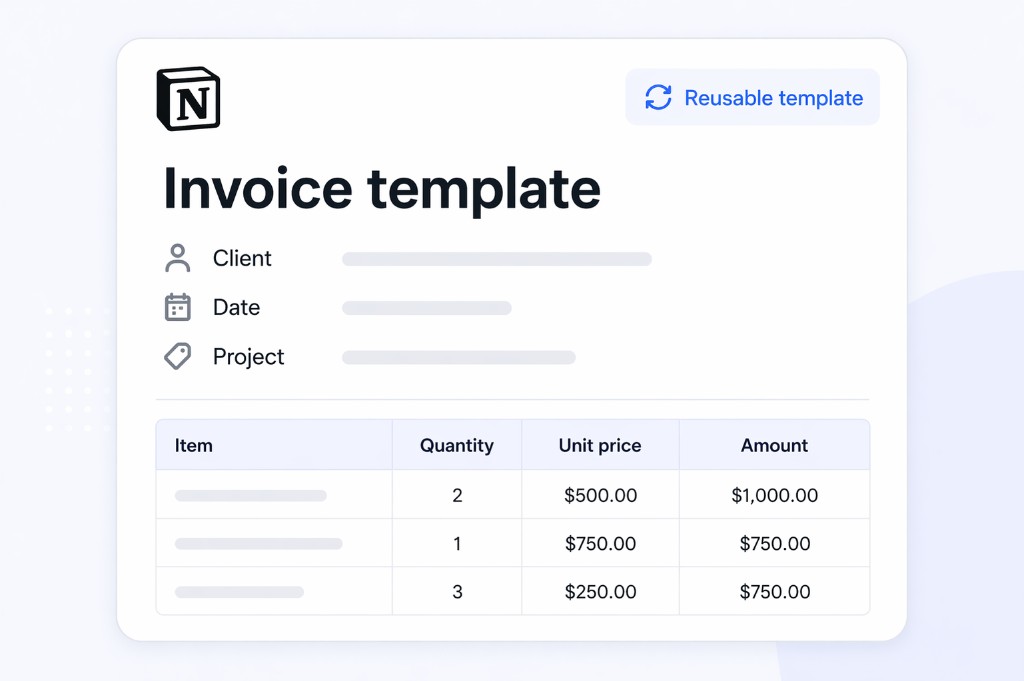
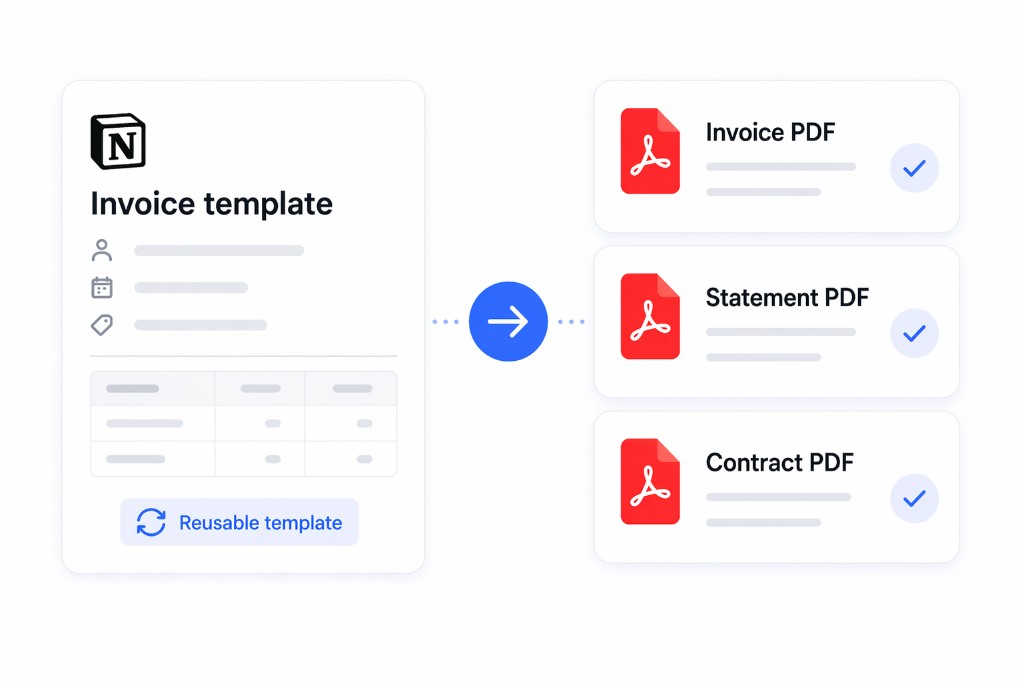
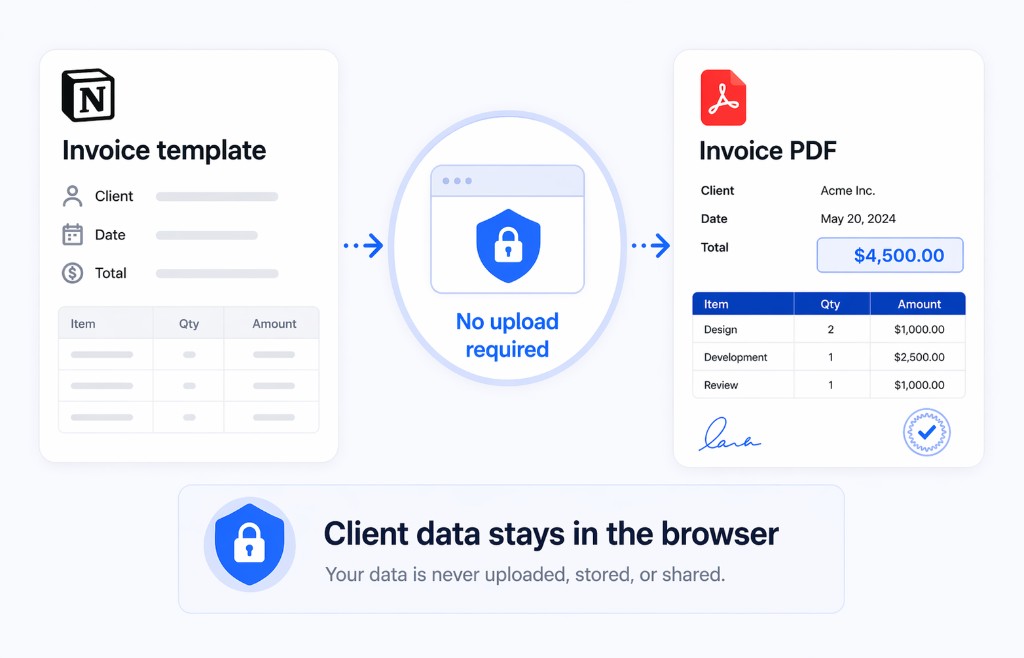
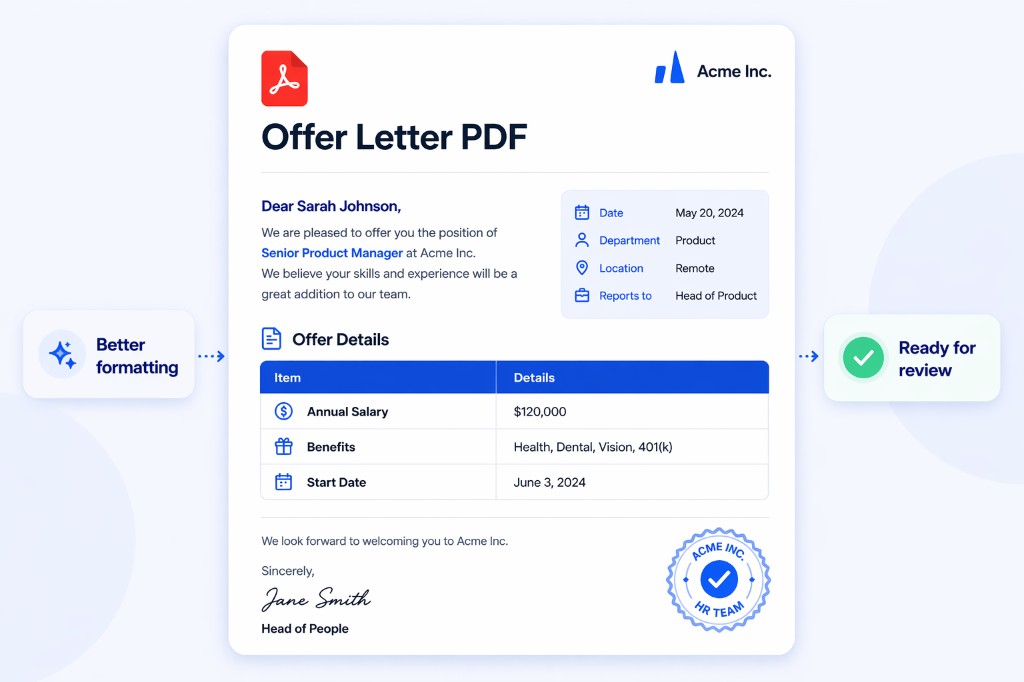
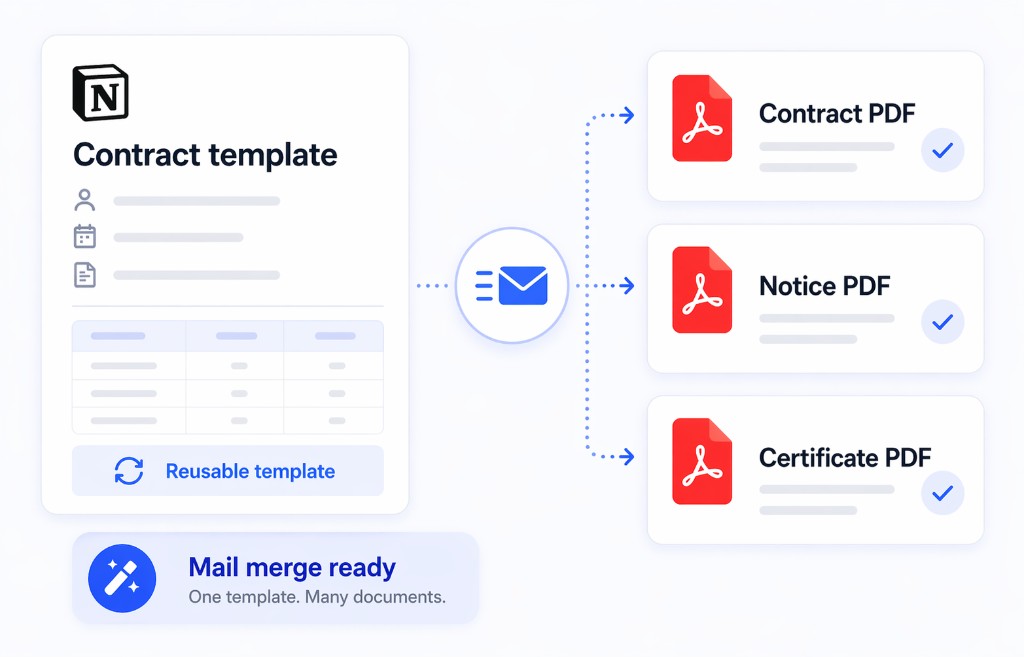
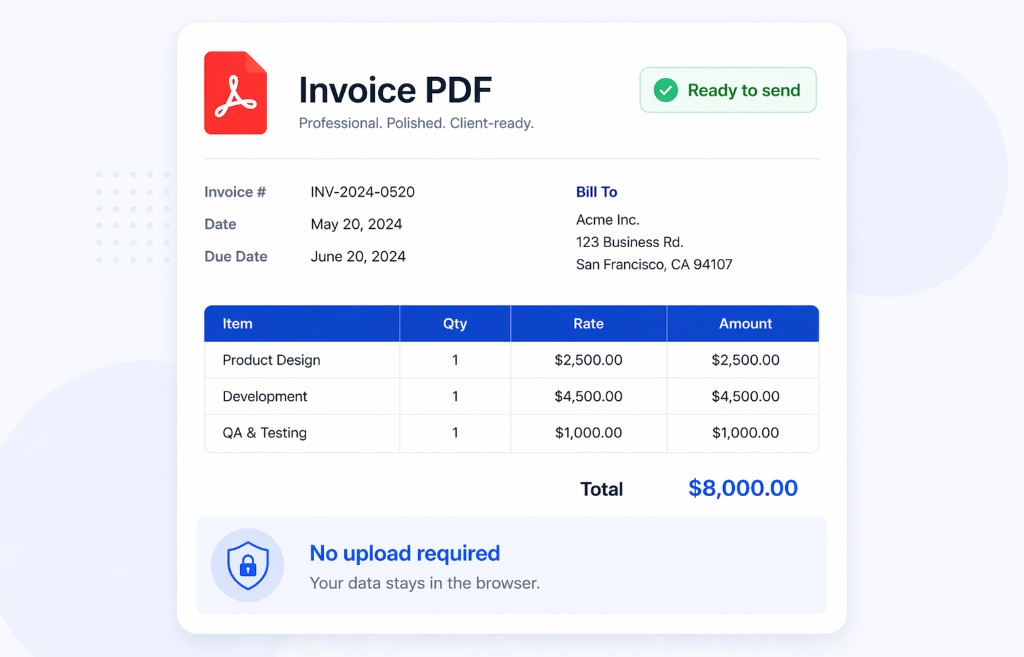
Handling sensitive financial, legal, or HR documents? Print Notion ensures your data security: no Notion page sharing required, no uploads to third-party servers—all processing happens locally. Mail Merge lets you generate hundreds of personalized documents from one template + database. Accountants bulk-generate invoices, lawyers create contracts, HR produces employee records—secure, efficient, professional!

High-quality output feature icon
Data Security & Local Processing

No Notion page sharing required, no uploads to third-party servers. Print Notion processes all data locally in your browser. Financial reports, legal documents, employee records—your sensitive information stays completely under your control. Meets enterprise data security compliance!

Time-saving feature icon
Mail Merge Bulk Generation

One template + Notion database = hundreds of personalized documents with one click. Accountants bulk-generate invoices, HR creates payslips, lawyers produce contracts—save 90% time, say goodbye to repetitive work!

Easy sharing feature icon
Perfect Notion Format Preservation

Print directly from Notion with 100% preservation of tables, columns, colors, databases, and complex formatting. Unlike online tools that lose layouts, your documents stay professional and beautiful!

Why choose Print Notion?

Trusted by 23,000+ professionals worldwide

Data Security

No page sharing required, no uploads to servers. All processing happens locally in your browser. Perfect for sensitive financial, legal, and HR documents.

Mail Merge Power

One template + database = hundreds of personalized documents instantly. Accountants, lawyers, HR teams save 90% time on repetitive document work.

Perfect Integration

Works directly within Notion. No window switching, no copy-paste. 100% format preservation for tables, columns, colors, and databases.

Just One-click

Print Notion Chrome extension offers a convenient and efficient way to export your Notion pages as beautiful PDF documents and perform mail merge operations with just one click.

Print Notion one-click printing feature
Print Notion beautiful format preservation feature

Keep the original format, beautiful and clean

  • Print Notion Chrome extension enables you to export your Notion pages while preserving the original formatting of your documents. Our advanced formatting capabilities ensure that your exported PDFs, including mail merge results, maintain a professional and clean appearance. Whether your Notion pages include complex formatting, multimedia content, tables, or images, Print Notion retains all elements in their original state while seamlessly incorporating merged data from your databases.
Free Download

Export Notion pages to PDF files

Print Notion allows you to save your PDF documents in different paper sizes and perform mail merge operations, providing greater flexibility and convenience. Whether you need to create legal-sized documents, A4-sized reports, or custom-sized flyers with personalized data from your Notion databases, our platform makes it easy. With just a few clicks, you can select your desired paper size, merge your database data, and save your PDF files without worrying about formatting issues. Our user-friendly interface and advanced technology make it simple to create professional, high-quality documents that meet your unique needs through efficient mail merge functionality.

Free Download
Print Notion expert PDF export feature
Print Notion template printing and mail merge feature

Still wasting time on repetitive document work? Print Notion's Mail Merge has helped 23,000+ users save 90% of document processing time. Accountants bulk-generate invoices, HR creates employee certificates, event planners produce invitations—all with one click. Your data stays secure, always under your control. Your turn now!